

You agree to send the file. Someone mentions a date while you are walking. You remember the toothpaste while driving. You have an idea during another task and tell yourself you will write it down later.
Later is where many commitments disappear.
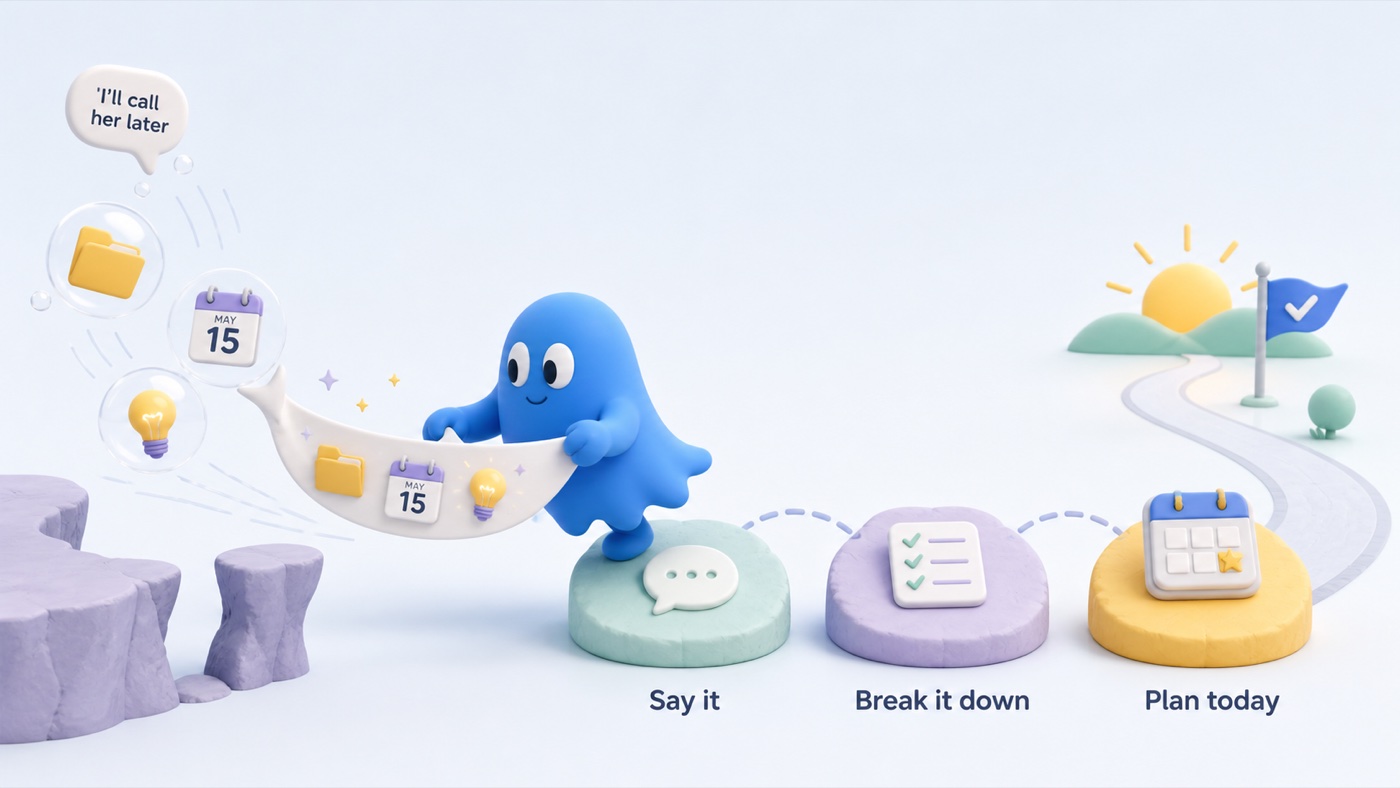
This may be a capture problem, not an organisation problem
People often respond by changing apps, rebuilding categories, or searching for a better method. But the system may be failing earlier: the distance between noticing a commitment and recording it is too large.
A task manager only reflects what reaches it.
Prospective memory needs the right cue
Remembering to act in the future is prospective memory. The intention must return when action is possible. External reminders can reduce that burden.
Research on cognitive offloading shows that people can improve performance by using external tools. Reminder-setting studies also show that confidence influences whether people choose to offload, and that using reminders can shape later reminder-setting habits.
The evidence does not establish one best capture app. It supports designing a reliable external cue instead of expecting unaided memory to recover every passing commitment.
Reduce capture to one gesture
Your default capture method should work when you are busy, walking, tired, or mid-conversation.
MyOffload is designed around that moment. Open it, tap the mic and say:
Send Sasha the revised quote tomorrow morning. Also save the idea about a customer FAQ.
It keeps the original context, creates the actionable task, saves the idea as a note, and turns an explicit time into a requested reminder for review.
The important feature is not AI by itself. It is reducing the translation work between a messy thought and a useful record.
Capture is the beginning, not the whole system
Once a task reaches MyOffload, the app can help with what comes next. Use Break Down when a task is too large to start. Use Plan My Day when several tasks are competing for attention. One tap prioritizes and orders the day while keeping timed tasks in place.
That creates a simple path: say it, review it, make it smaller if needed, and start from a clear plan.
Build a trusted inbox
Use one capture destination. Then review it at predictable times:
- after a meeting block
- before ending work
- during an evening offload
- before planning tomorrow
If captured items are never reviewed, trust disappears and your brain begins rehearsing them again.
Use a backup for high-consequence tasks
Review AI-generated output. Confirm dates and reminders. For medication, emergencies, legal deadlines, safety, or significant financial commitments, use the appropriate primary system and backups.
External reminders support future action; they do not remove responsibility or guarantee delivery.
The bottom line
Before replacing your to-do app, examine the whole path. Make capture immediate, make large tasks smaller, and make the next step easy to see.
MyOffload is designed to carry that path from a messy spoken thought to an ordered day. The best system is the one you can use while the thought is still real.
Research behind this article
- Burnett, L. K., & Richmond, L. L. (2026). Meta-analytic investigations of the effect of cognitive offloading on memory-based task performance and interindividual variability. Memory & Cognition.
- Scarampi, C., & Gilbert, S. J. (2020). The effect of recent reminder setting on subsequent strategy and performance in a prospective memory task. Memory.
- Chen, X.-J., et al. (2015). The effect of implementation intention on prospective memory: a systematic and meta-analytic review. Psychiatry Research.
Try MyOffload
Give the thought somewhere useful to go
Say the messy version. MyOffload keeps the context and turns the actionable parts into tasks, notes, and requested reminders for you to review.
Download MyOffload for iPhone