

“I have so many things to do that I cannot tell where to begin.”
A long mental list creates a strange kind of gridlock. The dentist appointment, work deadline, laundry, birthday gift, school email, and idea you do not want to lose all occupy the same internal space. Because nothing has been separated, everything can feel active.
That does not mean every task is equally important. It means your brain has not been given a reliable way to stop holding all of them at once.
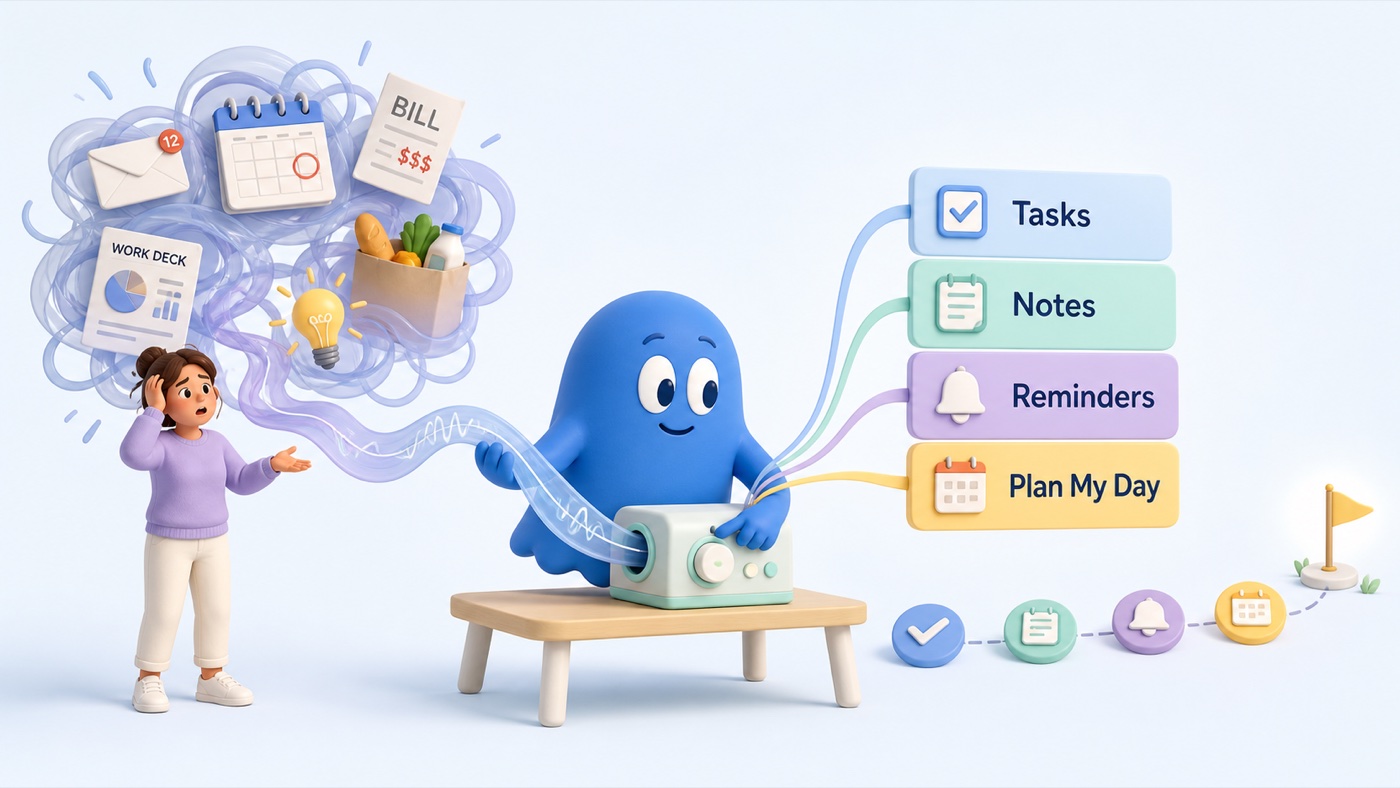
Capture first, then let the sorting happen
Trying to remember, evaluate, organise, and act at the same time creates unnecessary friction. Separate the stages.
Start with a complete capture. In MyOffload, tap the mic and say the messy version: “I need to call the dentist, finish the deck by Friday, buy toothpaste, and I had an idea for the newsletter.” MyOffload keeps the context and sorts it into tasks, notes, dates, and requested reminders for you to review.
You do not need to decide what belongs where before speaking. If you are using paper, write the complete list first and sort it afterwards.
Researchers call the broader strategy cognitive offloading: using an external action or tool to reduce internal memory demands. A recent meta-analysis found that offloading improved performance on memory-based tasks on average. It does not prove that any particular app solves overwhelm, but it supports getting obligations out of memory before asking yourself to choose.
If you are sorting by hand, use four smaller lists
Once everything is captured, sort it into four buckets:
- Must move today: real deadline, consequence, or dependency
- Next: important, but not active today
- Waiting: blocked by another person or event
- Keep: an idea or reference, not a task
The Today list should be deliberately short. If seven items “must” happen today, ask which one has the clearest consequence if delayed and which can be renegotiated.
In MyOffload, you do not have to rebuild the voice dump into these four lists. Review what the app created, correct anything important, and keep only the work that truly belongs in today.
Choose one next visible action
Do not choose “the whole project.” Choose the next thing a camera could see:
- “Prepare presentation” becomes “open the deck and write the three section headings.”
- “Deal with dentist” becomes “find the clinic number.”
- “Clean the house” becomes “clear the kitchen counter for five minutes.”
Add a cue when it matters: “When this meeting ends, I will send Priya the draft.” Research on implementation intentions suggests that linking a situation with an action can improve prospective memory, though it is not a guarantee.
If the task is still too large, tap Break Down. MyOffload can turn a broad task into smaller steps so “prepare presentation” becomes something you can actually begin.
Let one tap order the day
Once the tasks are captured, tap Plan My Day. MyOffload prioritizes and orders the day, keeps timed tasks in place, and gives you a starting point. You can review the plan and change anything important without manually deciding the order of every task.
The goal is not to obey an app blindly. It is to spend less energy rebuilding the list and more energy doing the next clear thing.
Let the rest remain captured
The list is doing its job when you can stop scanning it. MyOffload keeps the original dump while separating genuine actions from notes. Not every thought needs a due date, priority, or notification.
Review important AI-created tasks and reminders. Use appropriate backup systems for medical, emergency, legal, financial, or safety-critical commitments.
When task overload keeps returning
Sometimes the problem is too many commitments rather than poor organisation. A system cannot create more time, repair an impossible workload, or make every responsibility yours. The useful action may be declining, delegating, renegotiating, or asking for help.
Persistent overwhelm can also occur alongside anxiety, depression, ADHD, burnout, sleep problems, or difficult life circumstances. This article cannot identify the cause. Consider professional support if the experience is persistent, distressing, or substantially affecting daily life.
The bottom line
Offload everything. Let MyOffload sort it. Break down anything too large. Tap Plan My Day, then start with the first clear step.
The goal is not a shorter life. It is a smaller list in your head.
Research behind this article
- Burnett, L. K., & Richmond, L. L. (2026). Meta-analytic investigations of the effect of cognitive offloading on memory-based task performance and interindividual variability. Memory & Cognition.
- Chen, X.-J., et al. (2015). The effect of implementation intention on prospective memory: a systematic and meta-analytic review. Psychiatry Research.
Try MyOffload
Give the thought somewhere useful to go
Say the messy version. MyOffload keeps the context and turns the actionable parts into tasks, notes, and requested reminders for you to review.
Download MyOffload for iPhone